


 Welcome back!
Top of Mind from 3by400
Our blog posts are the result of issues and opportunities we see in our daily work. They are designed to increase understanding and provide a source of vision for your web presence.
4 minutes reading time
(827 words)
Your 60-minute website lead audit (run this after you spot the leaks)

This is that check. One hour. Phone + laptop. Your top three pages. When you’re done, you’ll have a punch list with clear priorities instead of a vague feeling that “the site isn’t working.”
What you need before you start
• Your phone (real device, not just a desktop resize)
• A laptop or desktop for note-taking
Your home page, main service or offer page, and contact page
• A test email address you can check within a few minutes
• A simple notes doc with three columns: Pass / Fix now / Later
Set a 60-minute timer. Stop when it rings. The point is a usable list, not a perfect report.
Minutes 010: Can a stranger contact you fast?
Open each of the three pages on your phone. Pretend you’ve never seen the site.
Ask only this: can someone start a conversation in under two taps — call, email, form, or book?
Mark Fix now if the primary action is in the footer only, buried in a menu, labeled three different ways, or missing on mobile. Mark Pass if one clear action is obvious near the top of each page.
Write down the exact label of the button or link that should be primary. You’ll use that later.
Minutes 1025: Does the form actually work?
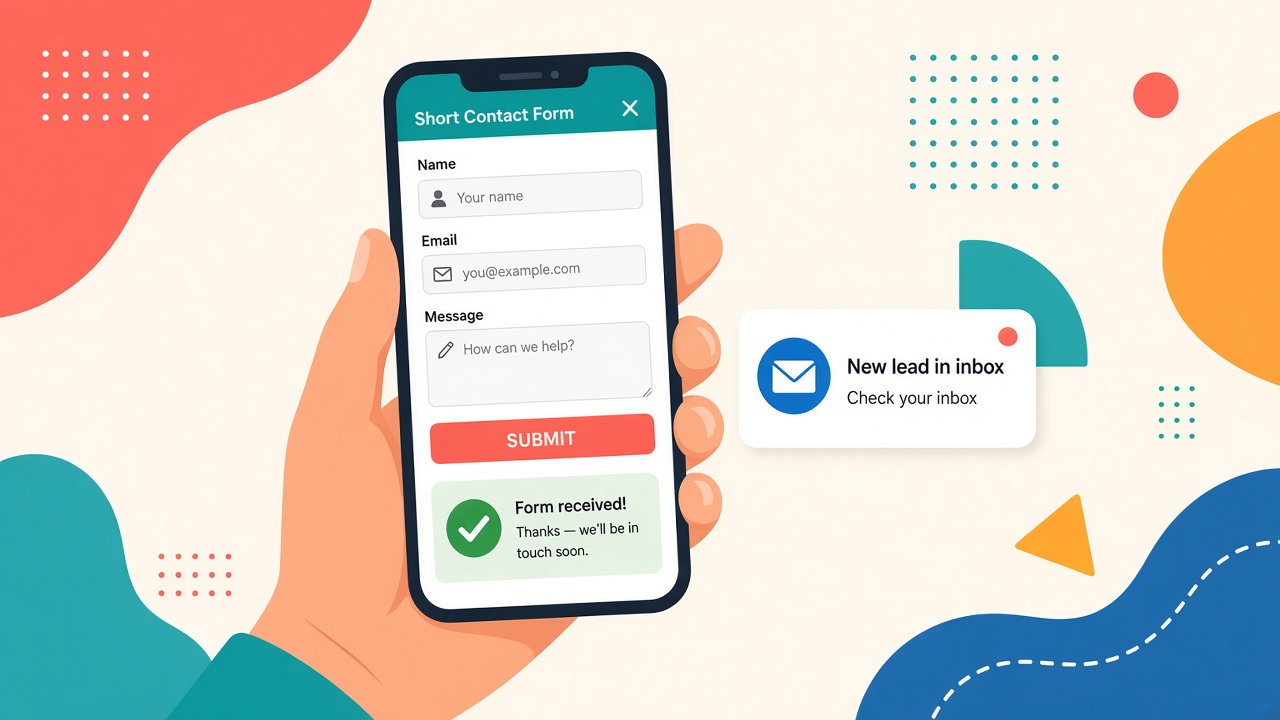
On your phone, fill out the contact (or quote) form yourself.
Keep the test honest: use your test email, a short message, and only the fields a first inquiry really needs. Then submit.
Check three things:
1. Did it submit without errors or a dead button?
2. Did a confirmation or thank-you page appear?
3. Did the lead land in a live inbox within a few minutes?
If the form is long, broken on mobile, or the lead never arrives, that is Fix now — ahead of copy tweaks and redesign ideas. A pretty page that drops inquiries in a black hole is still leaking leads.Minutes 25–40: Does it feel usable on a normal phone?
Stay on those same three pages. Don’t chase a perfect speed score. Just notice:
• Do you wait awkwardly for content?
• Do you pinch to read text?
• Does a popup cover the CTA?
• Are buttons easy to tap with a thumb?
If home, main service, and contact feel slow or fiddly, mark the worst issues Fix now. Put “nice to have” image polish in Later.
Minutes 40–50: Do trust cues feel current?
Skim About, home, and any proof blocks (reviews, logos, case notes).
Look for old copyright years, undated testimonials, empty or vague “who we help” language, and decorative logos that don’t mean anything anymore.
You don’t need a full brand refresh in ten minutes. You need one honest line: who you help, plus proof that doesn’t look frozen in time. Stale cues go in Fix now; deep redesign stays in Later.
Minutes 50–60: Is there one clear next step?
On each key page, name the single action you want. Then check whether the page fights itself with equal-weight buttons (“learn more,” “download,” “call,” “chat,” schedule).
One primary CTA. Secondary options can exist — they just shouldn’t compete. Vague labels (“submit,” “click here”) become Fix now. Specific ones (“get a quote,” call us,” “book a consult”) can Pass.
Turn the notes into a punch list
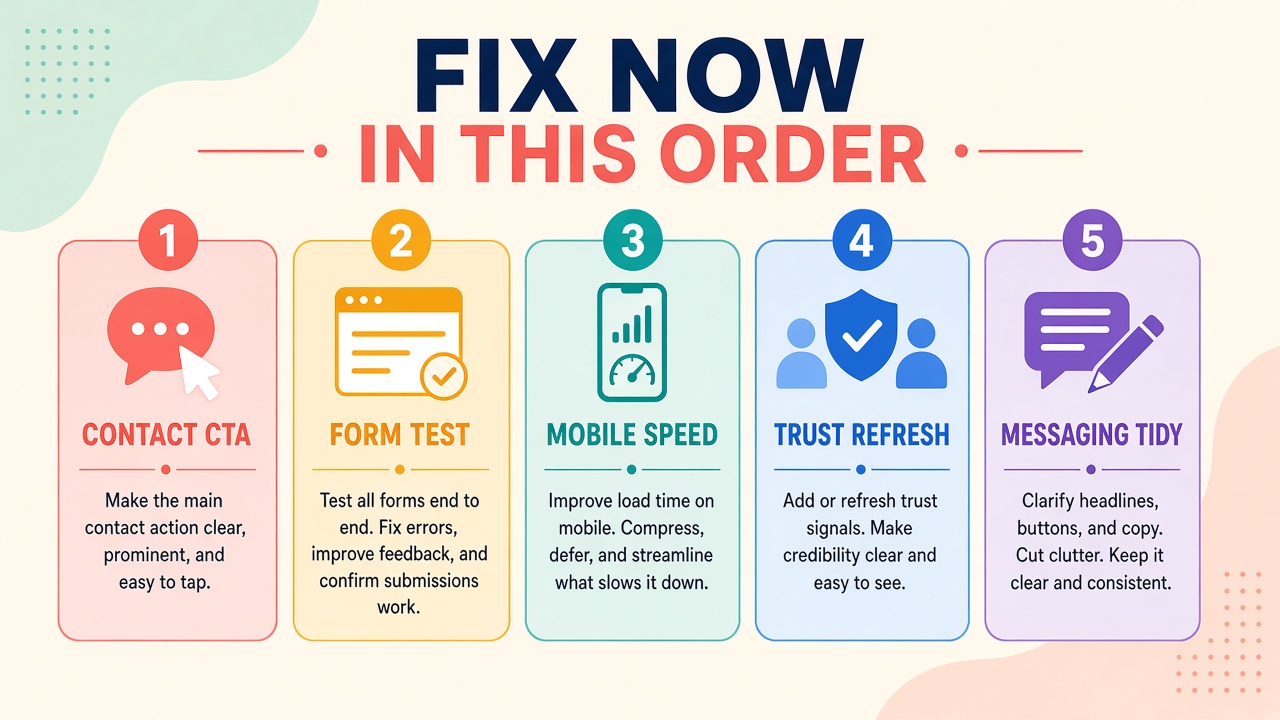
Reorder everything marked Fix now like this:
1. Make the primary action obvious on home, main service, and contact
2. Strip and test the form — including that you actually receive it
3. Fix the worst mobile/speed issues on those pages
4. Refresh trust (dates, reviews, who you help)
5. Tidy secondary CTAs and messaging
That’s the same order from the lead-leak post, now backed by what you just saw on your own site.
Anything in Later can wait until the top of the list is done. Most teams get more inquiries from that sequence than from a new homepage hero.
What to send your web person (or keep for DIY)
A useful handoff is short:
• The three pages you checked
• Screenshots of the broken or buried moments
• Your Pass / Fix now / Later list in priority order
One sentence on the primary action you want on each page
No need for a 20-page brief. Clarity beats volume.
When you’re done
If two or more Fix now items showed up, you’ve found why inquiries went quiet — and you know what to tackle first.
Run the audit once. Fix the top items. Then run the form test again. That’s how you know the leaks are actually plugged.