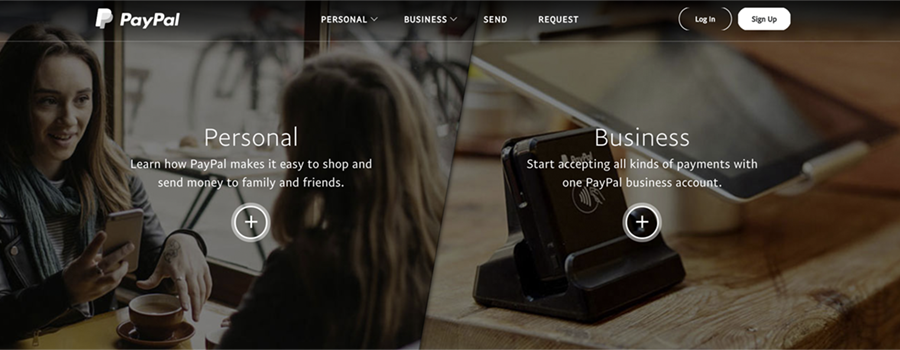
Yes, PayPal has thorough instructions for setting up an account at www.PayPal.com, but it can take some time to get through the process. Since so many website shopping carts and payment tools work with PayPal, it's an easy way to start taking payments.
If there is any possibility that you will use PayPal on your site, we recommend that you start the PayPal process as soon as you start your web site implementation. There's no reason to wait. Here's what's involved:
1) The username for PayPal is an e-mail address, and we recommend that we set up something generic that is either a shared email account or a mail list, like payments@yourcompany.com or something of that sort. Unless you're a one-man-show, it is likely that you will be on vacation from time-to-time, and might want someone else to trigger deposits (only to the specified account) or be able to issue refunds.
2) Sign up for a business account using that email address. PayPal will ask for information about your business and link a bank account.
3) Follow PayPal's steps to verify your business and bank account. Have your business details handy.
4) Make the business name on your account match your legal business name and your bank account. (See our post on why changing your business name in PayPal later isn't simple.)
Note: If you're a nonprofit, ask PayPal about nonprofit pricing. Expect some extra paperwork, so add extra time.
Although some complain about the process, PayPal is one of the best-known names in online payments, and getting set up early saves headaches at launch.