
What to bring to the first conversation
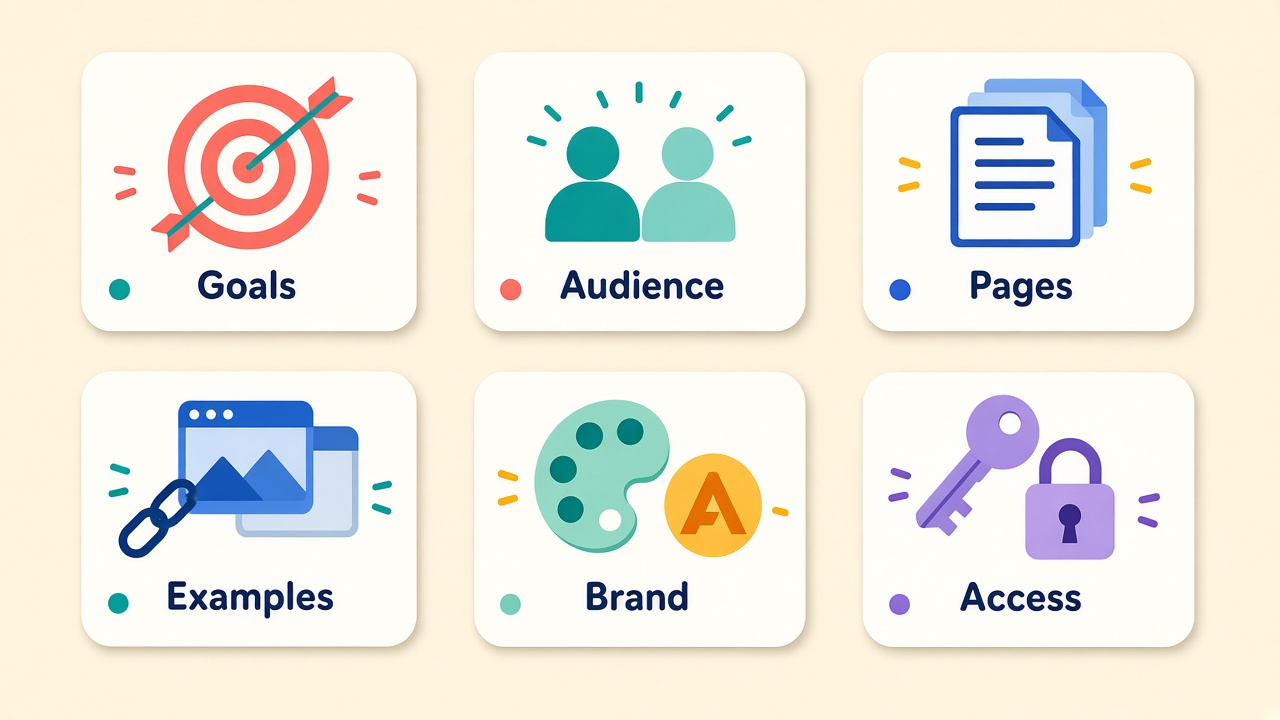
You don’t need a 40-page brand book. You do need enough so your designer isn’t guessing.
Goals. What should the site do in the next 6–12 months? More quote requests, fewer support calls, a cleaner path to book, sell, or donate? Pick one primary goal and one secondary. “Look nicer” is a preference, not a goal.
Audience. Who are you talking to, and what do they already know about you? A first-time visitor and a returning customer need different homepage paths. Name 1–2 real people or roles (for example: “local homeowner comparing three contractors” or “office manager renewing hosting”).
Must-have pages. List the pages that have to exist at launch. Homepage, about, services or products, contact, and maybe a blog or resources page. Everything else is a phase-two candidate unless it supports the primary goal.
Examples you like — and ones you don’t. Links beat adjectives. Three sites you like and two you don’t, with a short note on why (“clear pricing,” “too busy,” “forms are easy”). That steers style without locking anyone into a clone.
Brand assets you already have. Logo files, colors, fonts, photos you’re allowed to use, and any writing that already works (tagline, about paragraph, service blurbs). If something is missing, say so up front so it can be scheduled instead of blocking the build.
Access and accounts. Domain registrar login, hosting or cPanel access, email DNS, analytics, and any third-party tools the site will use (forms, booking, payments). You don’t have to hand over passwords on day one — but you should know who owns each account. If you’re not sure who owns the domain or hosting, fix that before design starts. (We wrote about that in Who owns your website, really?.)
Decisions to make early
These are the choices that cause rework when they float until week six.
Who owns the domain and hosting? The business should. If a past vendor still controls them, plan the transfer now, not at launch.
Who writes the content? Designers design. If you want the agency to draft copy, say so and budget for it. If you’ll supply text, set a deadline — empty pages are how launches slip.
Who approves what? One decision-maker for design and one for content beats a committee that reopens every round. Name them in the brief.
Launch date vs. “when it’s ready.” A real date forces scope choices. “When it’s ready” usually means the project never ends. Prefer a launch date plus a short list of what can wait for a follow-up release.
What “done” looks like
Write the finish line before the first mockup.
In scope. The must-have pages, the primary goal, mobile-friendly layout, basic SEO foundations (titles, headings, sitemap), and forms or integrations you named.
Out of scope. Extra page templates, a full rewrite of every service page, custom apps, or a redesign of your email templates — unless you explicitly add them and price them.
How change requests work. Small tweaks inside an approved direction are normal. New pages, new features, or a fresh visual direction after approval are change orders. Agree on that in plain language so nobody is surprised.
A one-page brief you can copy
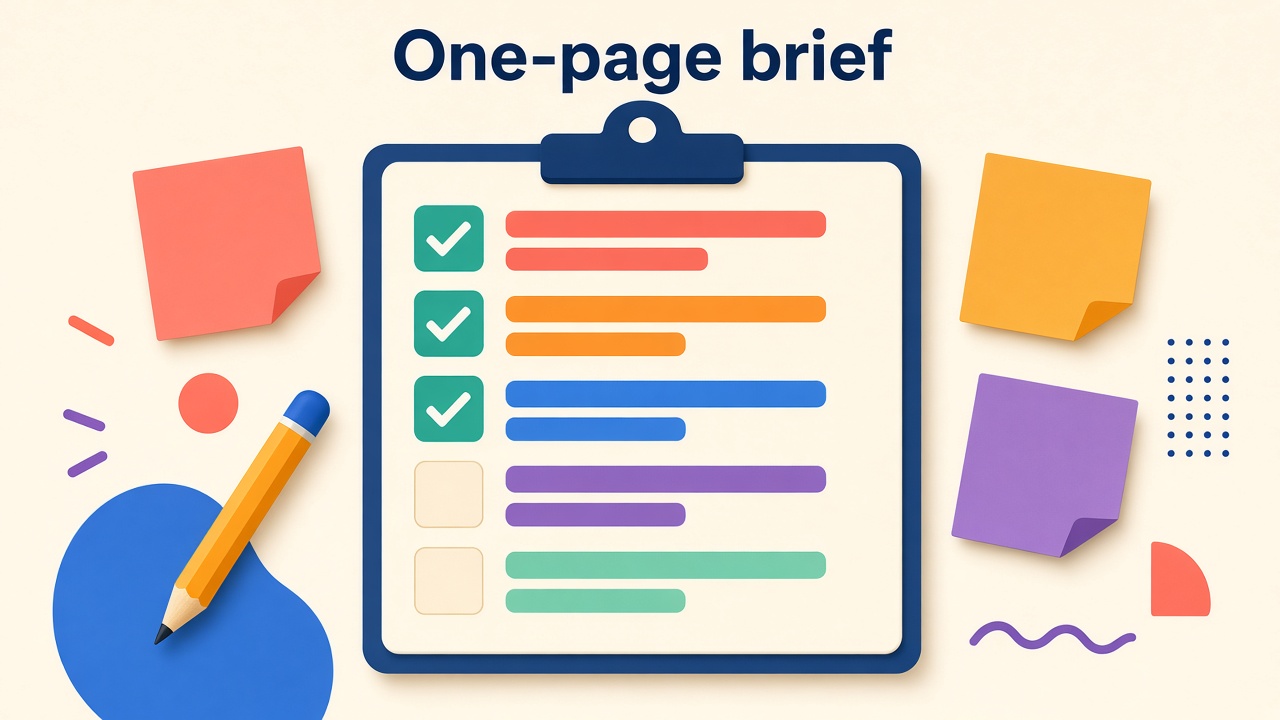
Paste this into a doc and fill the blanks before your kickoff call:
- Primary goal:
- Secondary goal:
- Audience (1–2):
- Must-have pages at launch:
- Nice-to-have later:
- Sites we like (and why):
- Sites we don’t (and why):
- Brand assets ready / still needed:
- Domain owned by: Hosting owned by:
- Who writes content: Content due by:
- Design approver: Content approver:
- Target launch date:
- Explicitly out of scope:
That’s enough for a designer to start without rebuilding later.
Bring this to the first call
A short brief won’t make the design perfect on try one. It will keep the project pointed at the same target so you’re refining, not restarting.
If you’re planning a new site or a redesign and want a second set of eyes on the brief before you spend on design, get in touch — or call 678-379-9321 / email sales@3by400.com.