The four pieces that make up "your website"
When people say "website," they usually mean the pages they see. Behind those pages are four separate things, and each one can be owned or controlled by a different person.
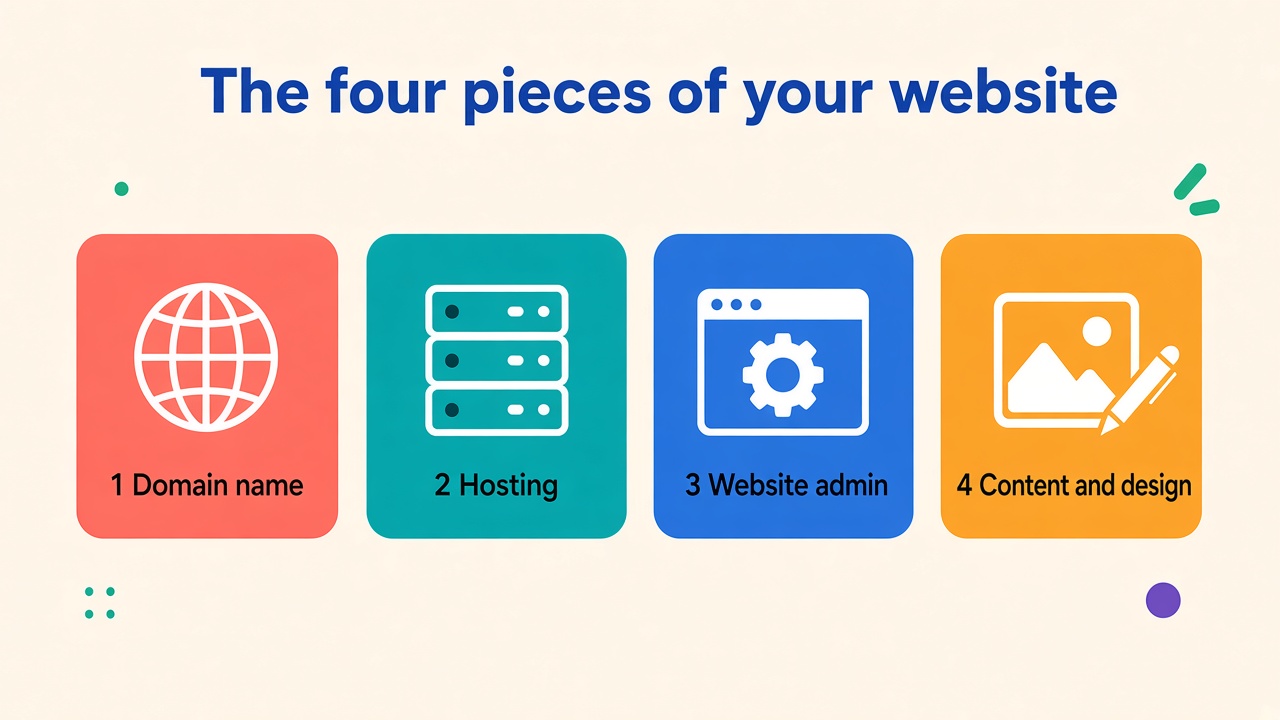
1. Your domain name
This is your address, like yourcompany.com. It's registered through a domain registrar and renewed every year or every few years.
Why it matters: Whoever controls the registrar account controls where your website and your email point. If the domain lapses or sits in someone else's account, you can lose both.
What to check: Log in to the registrar yourself. Make sure the account is in your company's name, the contact email is one you control, and auto-renew is on.
2. Your hosting
This is the server where your website's files and database live.
Why it matters: If your host account belongs to a vendor, they hold the keys to your site and your backups. Leaving can turn into a slow negotiation instead of a simple move.
What to check: Know who the host is, whose name is on the account, and how you'd get a full copy of the site if you needed one. If someone manages hosting for you, that can be a good arrangement. Just make sure you know what you're entitled to if you ever part ways.
3. Your website admin
This is the login for Joomla, WordPress, or whatever system runs your site.
Why it matters: Without an admin login, you can't update content, add users, or let a new team in.
What to check: Make sure at least one person inside your company has a full administrator account. Not an editor account, and not a shared login that a former vendor set up.
4. Your content and design
These are the words, photos, logo and design that make up the site.
Why it matters: Contracts and licenses decide who can reuse what. Stock photos, fonts and premium themes or extensions often come with their own license terms.
What to check: Keep your original logo and brand files, and know where your photos came from. If you had a site built, check your agreement for what you own when the project is done. If you have questions about the contract language, talk to an attorney.
Don't forget the extras
A few more accounts tend to get lost along the way:
- Business email. Know where it's hosted and who can add or remove users.
- Google tools. Make sure you're an owner, not just a user, on Google Analytics, Search Console and your Google Business Profile.
- Paid extensions and licenses. Know which ones renew, and whose card they're billed to.
What to do this week
You don't need a big project. Set aside an hour and:
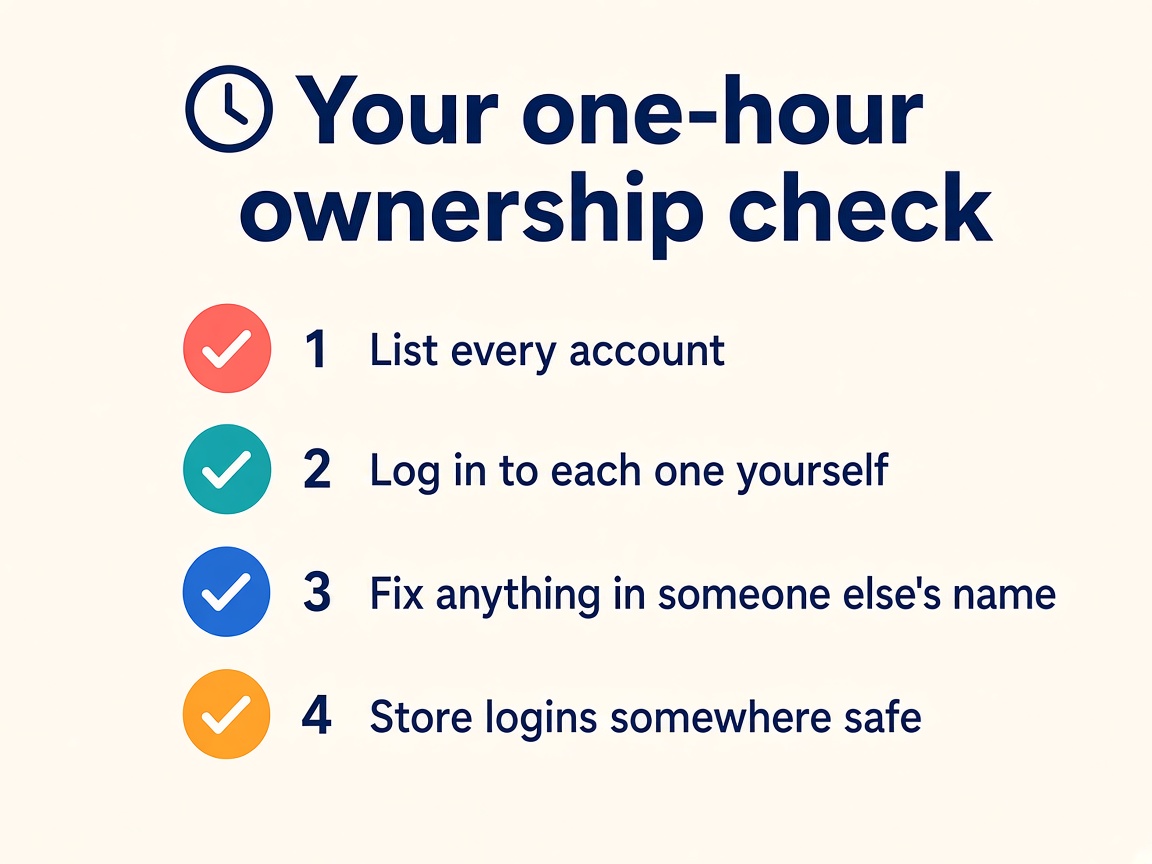
- List every account above.
- Try logging in to each one yourself.
- Fix any that are in someone else's name, or that send emails to an address you don't control.
- Store the logins somewhere safe, like a password manager your team shares.
If you can't get into something, don't panic. Most registrars, hosts and Google tools have a recovery process. It just takes longer than you'd like, so it's better to start now than in the middle of a problem.
Working with a web partner should make this easier
A good web partner can manage your hosting, updates and accounts for you, and you should still be the owner. Ask any provider, including us, how you'd get your files, domain and access if you ever needed them. It should be a short, clear answer.
If you're not sure who holds the keys to your website, we can help you sort it out. Call us at 678-379-9321 or email sales@3by400.com.