You've decided it's time. Maybe the redesign post helped you see that a refresh won't cut it, or maybe you're building your first real site. Either way, the next question is the same: what do you need to have ready before the work starts?
Projects rarely stall because of design or code. They stall waiting on content, logins and decisions. Get those lined up early and the whole thing moves faster, costs less in back-and-forth, and launches closer to the date you planned.
1. Know who makes the final call
Decide up front who approves designs, copy and launch. One person with the final say is ideal. If a few people need input, agree on how feedback gets gathered so your web team gets one clear list, not five conflicting emails.
This sounds small, but it's the single biggest thing that keeps a project on schedule.
2. Gather your logins and access
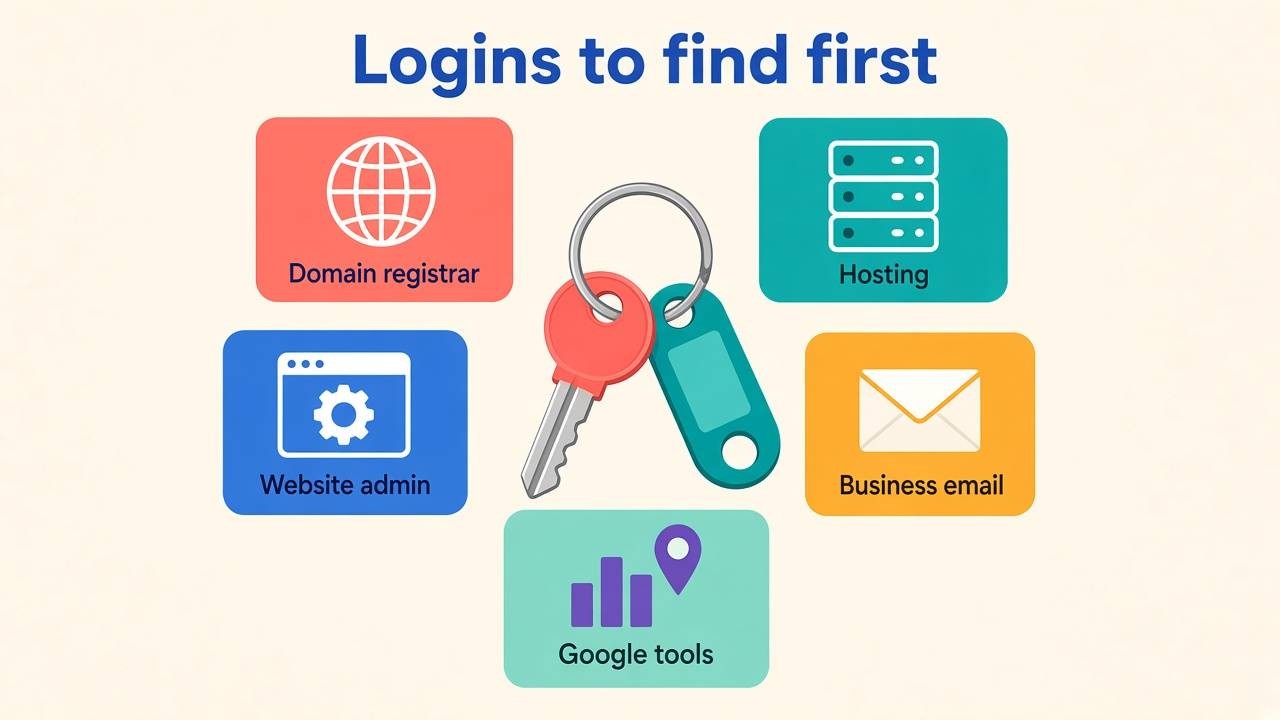
Before anything else, make sure you (not just a past vendor or a former employee) can get into:
- Your domain registrar. This is where your domain name is registered and renewed.
- Your current hosting. This is where the site lives today.
- Your website admin. This is the Joomla or WordPress login.
- Your email setup. Know where your business email runs, so it doesn't break when the site moves.
- Google tools. This means Google Analytics, Search Console and your Google Business Profile, if you have them.
If you can't find a login, that's fine. Just flag it early. Recovering access can take days, and it's much easier to sort out before launch week.
3. Write down what the site needs to do
You don't need a formal spec. A short list works:
- Who are your main visitors?
- What do you want them to do: call, fill out a form, book, or buy?
- Which pages on the current site get used, and which ones nobody misses?
- Are there features you need, like online payments, a members area or an events calendar?
If you ran the 60-minute lead audit, bring that punch list too. It's a ready-made list of what to fix.
4. Start on content now
Content is the most common reason launches slip. Start gathering it before design is done:
- Page copy. Decide what stays, what needs rewriting, and what's new. If writing isn't your thing, ask about copywriting help early so it's built into the plan.
- Photos. Real photos of your team, your work and your location almost always beat stock. If you need new ones, schedule the shoot now.
- Logo and brand files. Use the original files, not a screenshot of the logo from your current site.
- Proof. Gather reviews, project examples, certifications, and anything else that shows you do good work.
5. Bring examples you like (and don't like)
Collect a few websites you like, even if they're in a completely different industry. Note what you like: the layout, the colors, how easy it is to find things. Sites you dislike are just as useful. They save a lot of guessing.
6. Set a realistic budget and timeline
Know your budget range and any hard dates, like a product launch, a busy season or an event. Share them up front so the plan fits your situation. Leave room for your own review time. Your team will need hours to read pages and give feedback, and that time is easy to underestimate.
7. Think past launch day
A new site still needs updates, backups and someone to call when something breaks. Decide early who will handle that. If you want a refresher, here's what ongoing website care actually covers.
A quick checklist
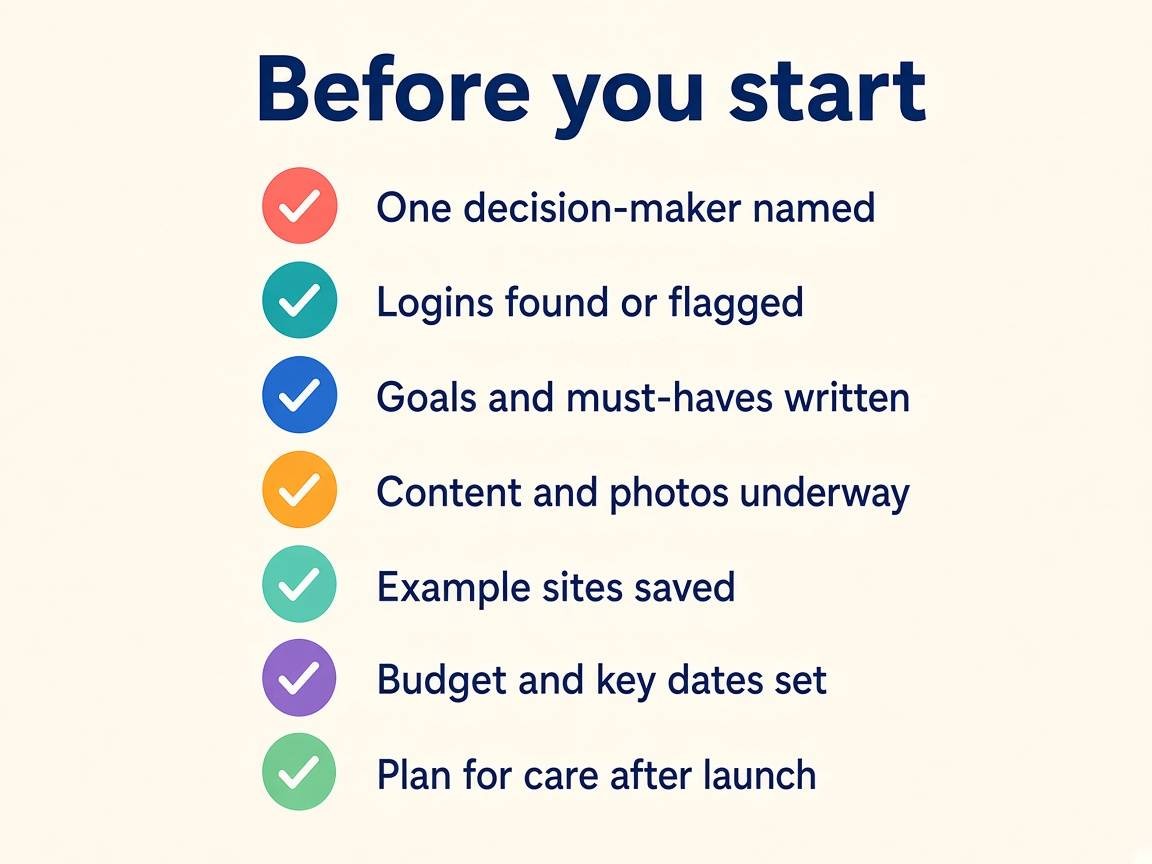
- One decision-maker named
- Domain, hosting, admin and Google logins found (or flagged)
- Goals and must-have features written down
- Content and photos underway
- A few example sites saved
- Budget range and key dates set
- A plan for care after launch
Ready to start?
You don't need every item checked off to get started. Even half this list puts you ahead of most projects. If you're planning a new site or a redesign, call us at 678-379-9321 or email This email address is being protected from spambots. You need JavaScript enabled to view it., and we'll help you sort out the rest.